
Converto
A fast, native macOS image conversion utility with batch processing, customizable presets, WebP support, and system Shortcuts integration.
The fastest way to convert and optimize images on macOS
Batch convert images in any format, at native speed
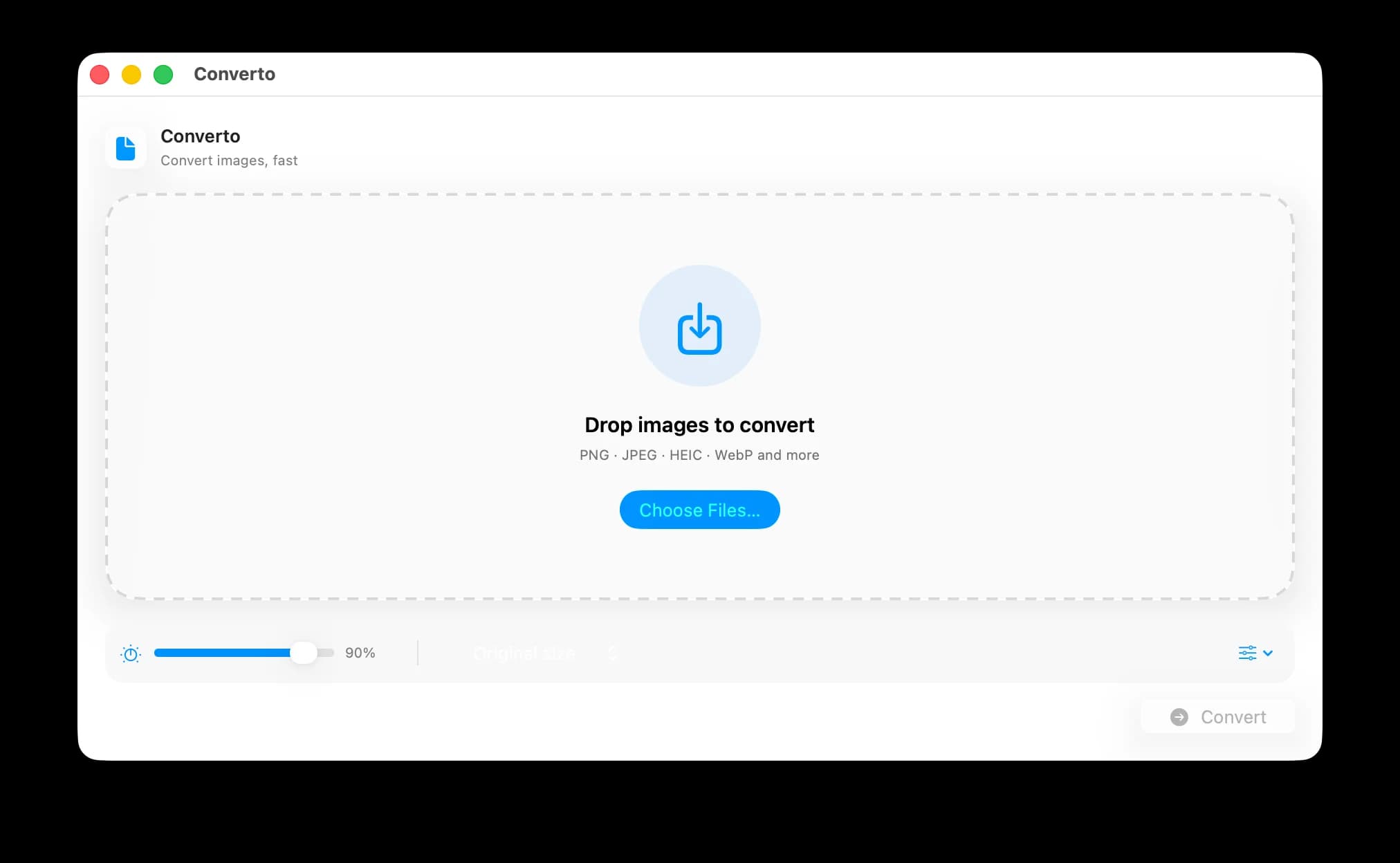
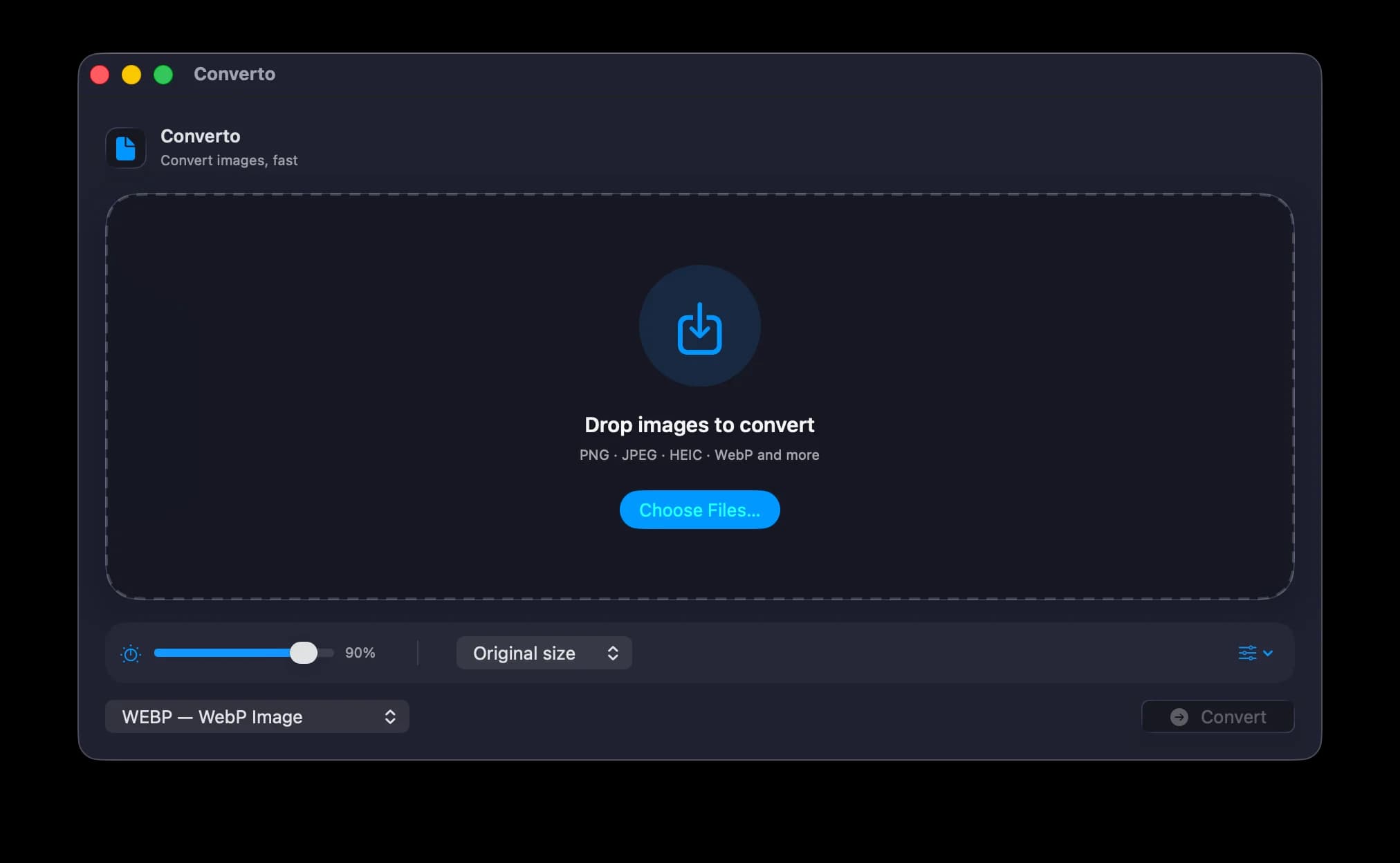
Drop or open individual images and folders, paste from the clipboard, or send files from Finder or the Dock. Converto reads the image types macOS supports and exports PNG, JPEG, HEIC, TIFF, GIF, BMP, WebP, and more—while preserving animated GIF frames when GIF stays GIF.

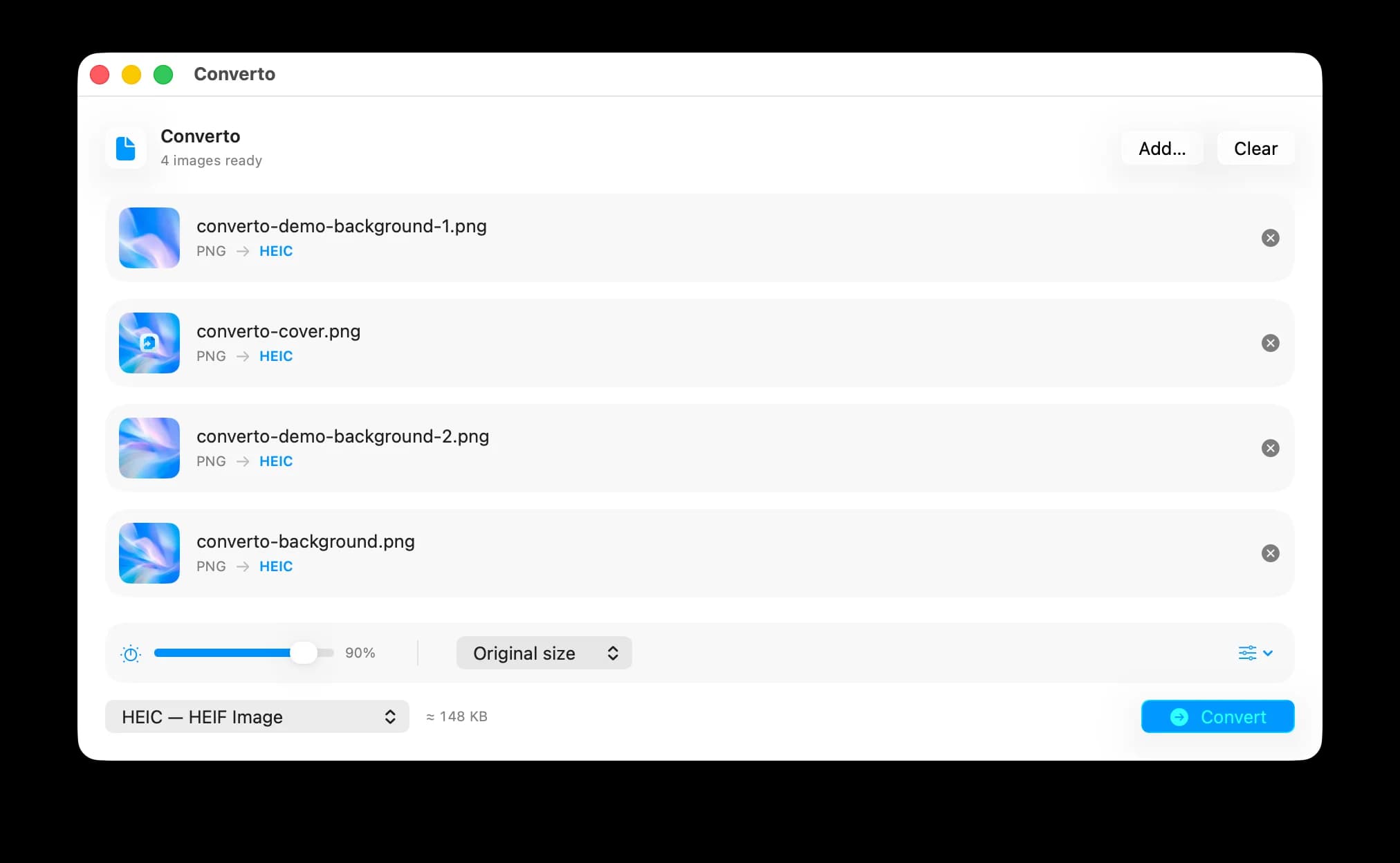
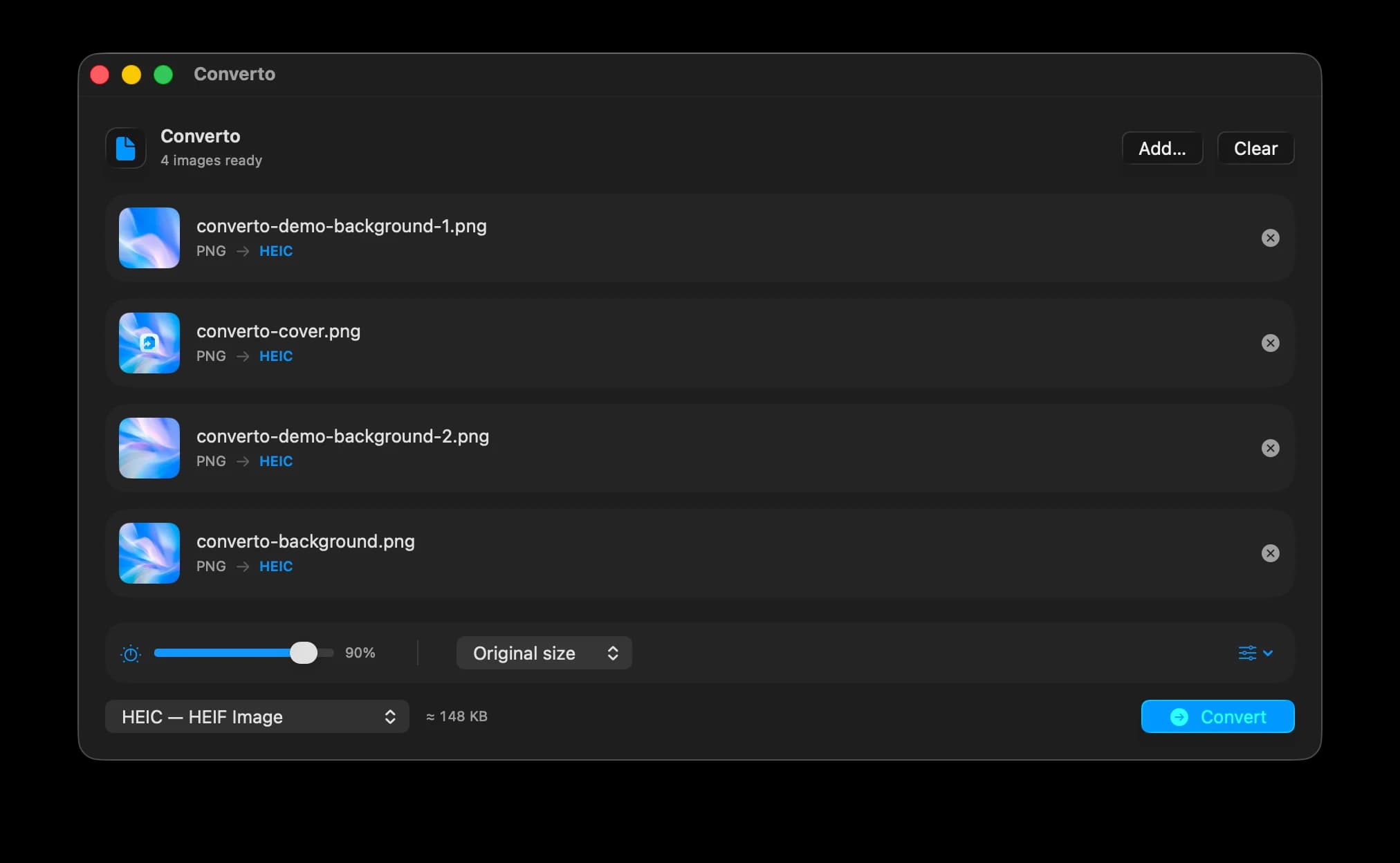
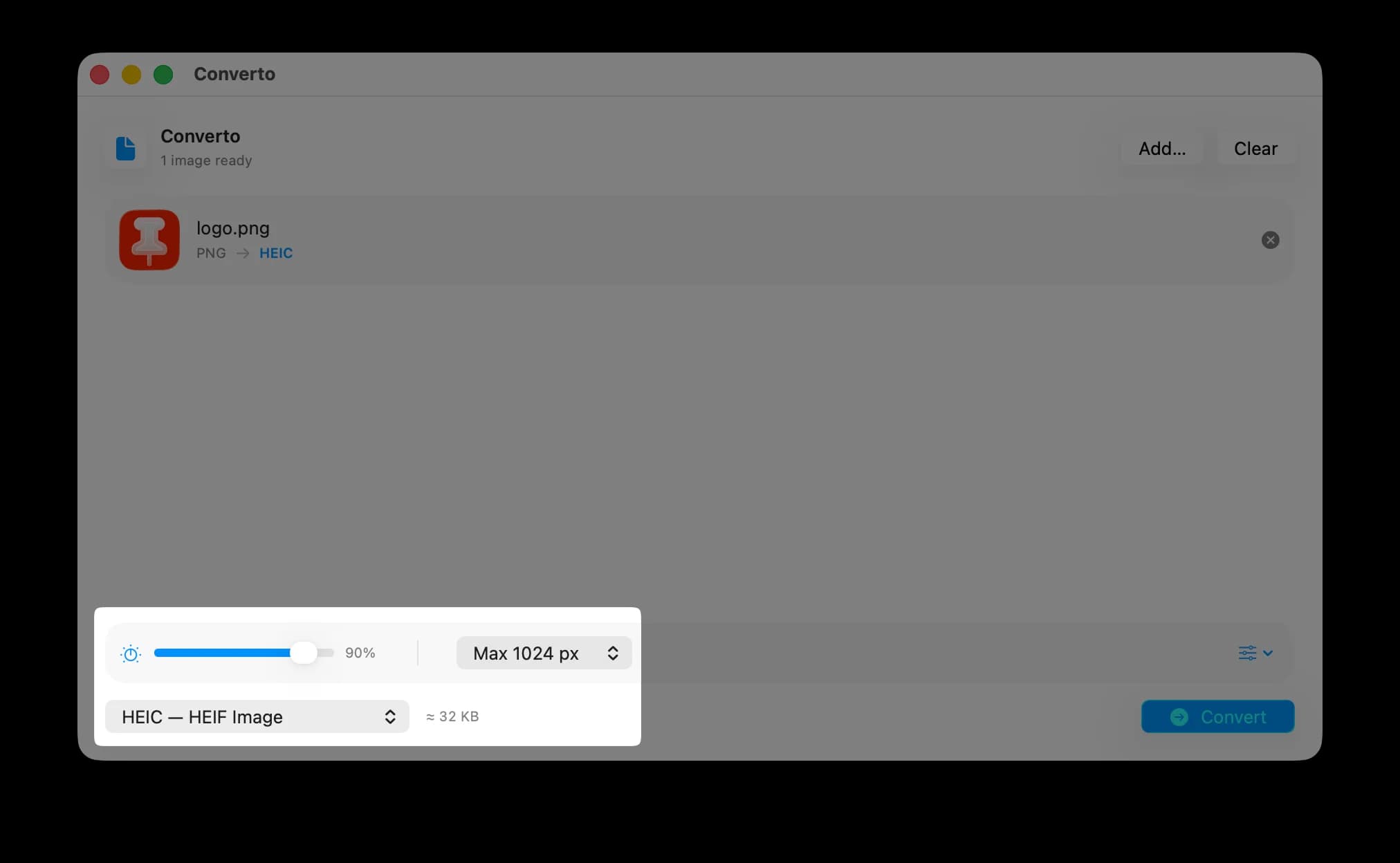
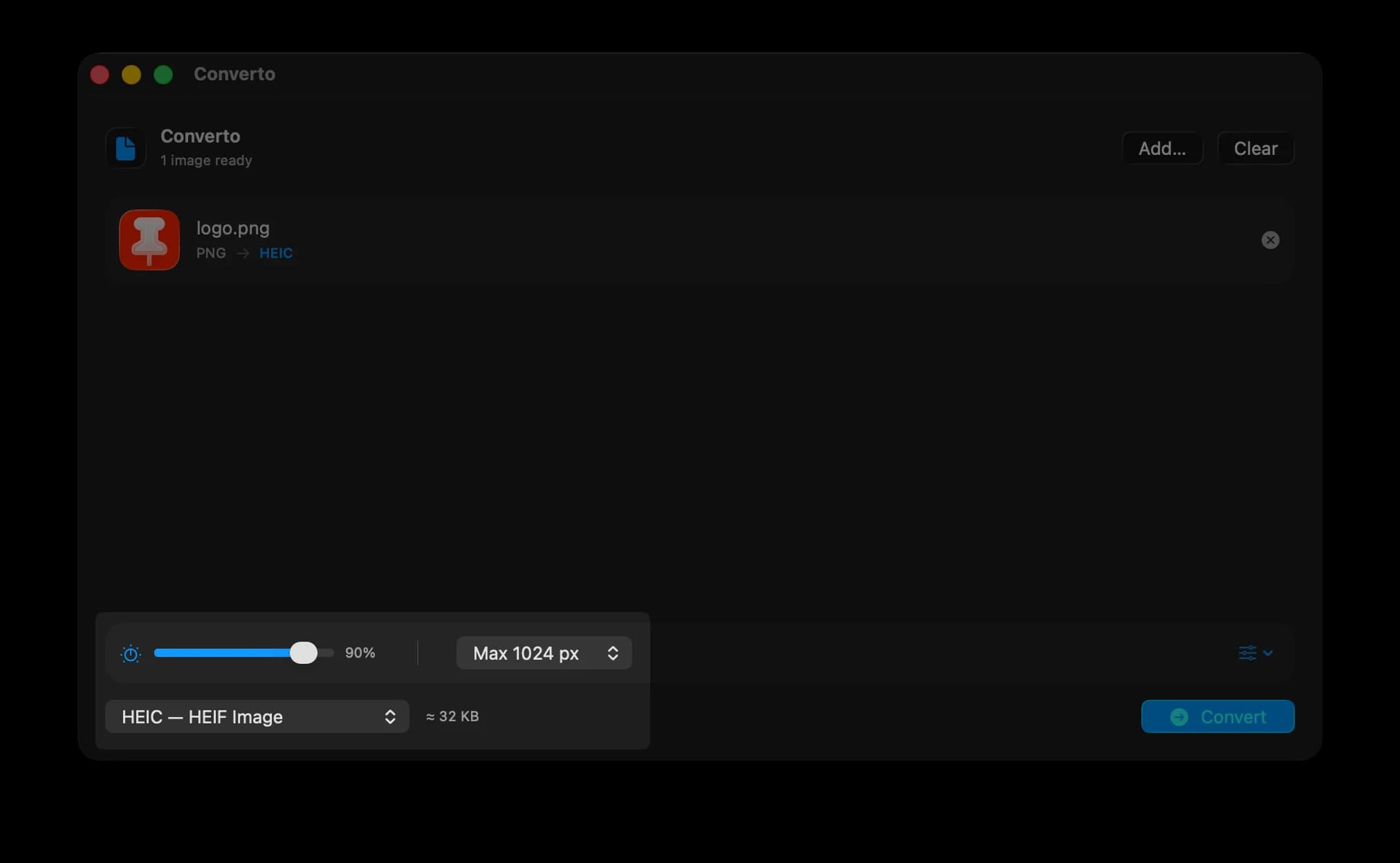
Fine-tune quality, resize dimensions, and save custom presets
Choose a format, adjust compression for lossy exports, downsample the longest edge to 4096, 2048, 1024, or 512 px, and see a pre-flight size estimate before converting. Save any format, quality, and resize combination as a reusable preset, then set your defaults once in Settings.

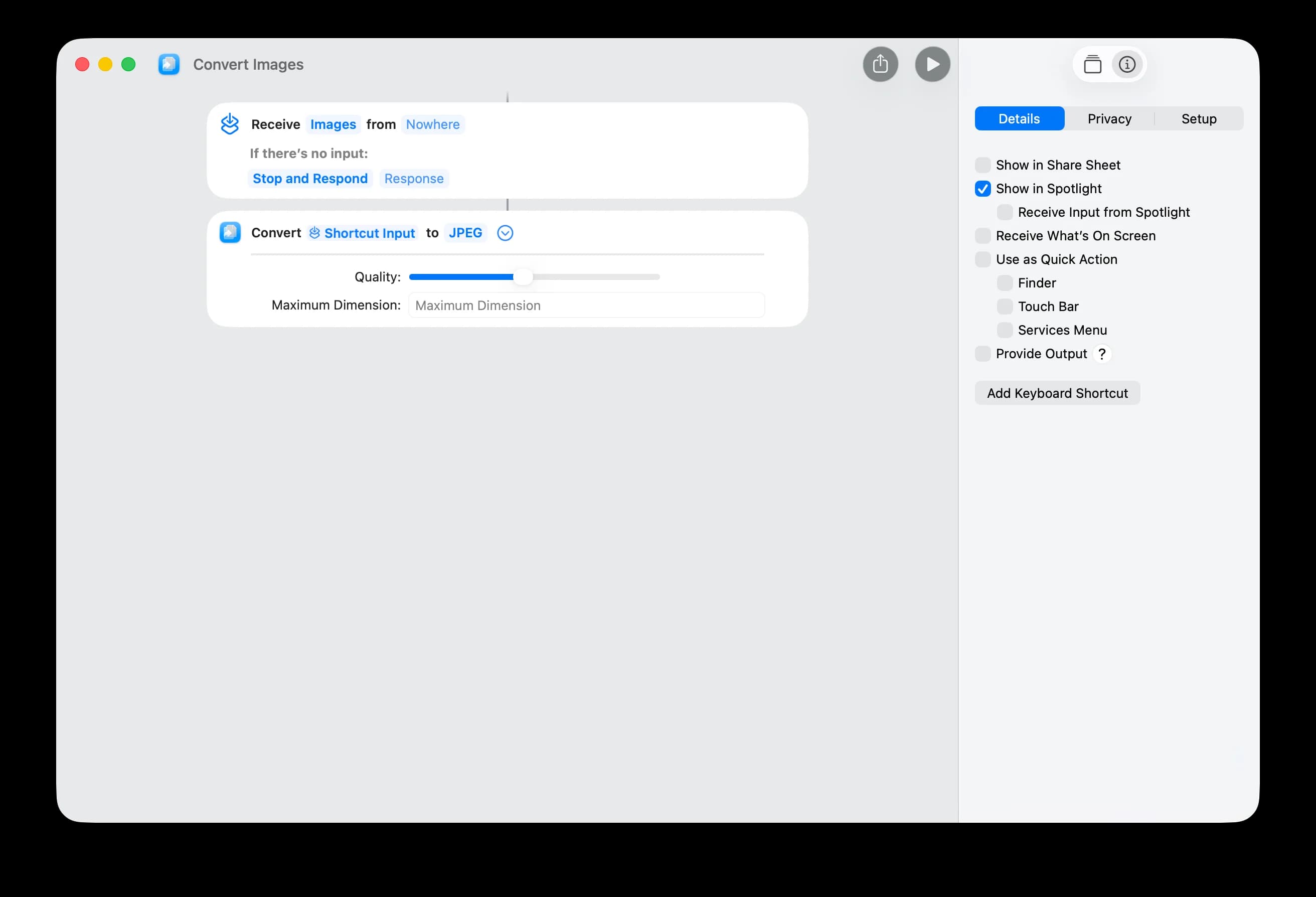
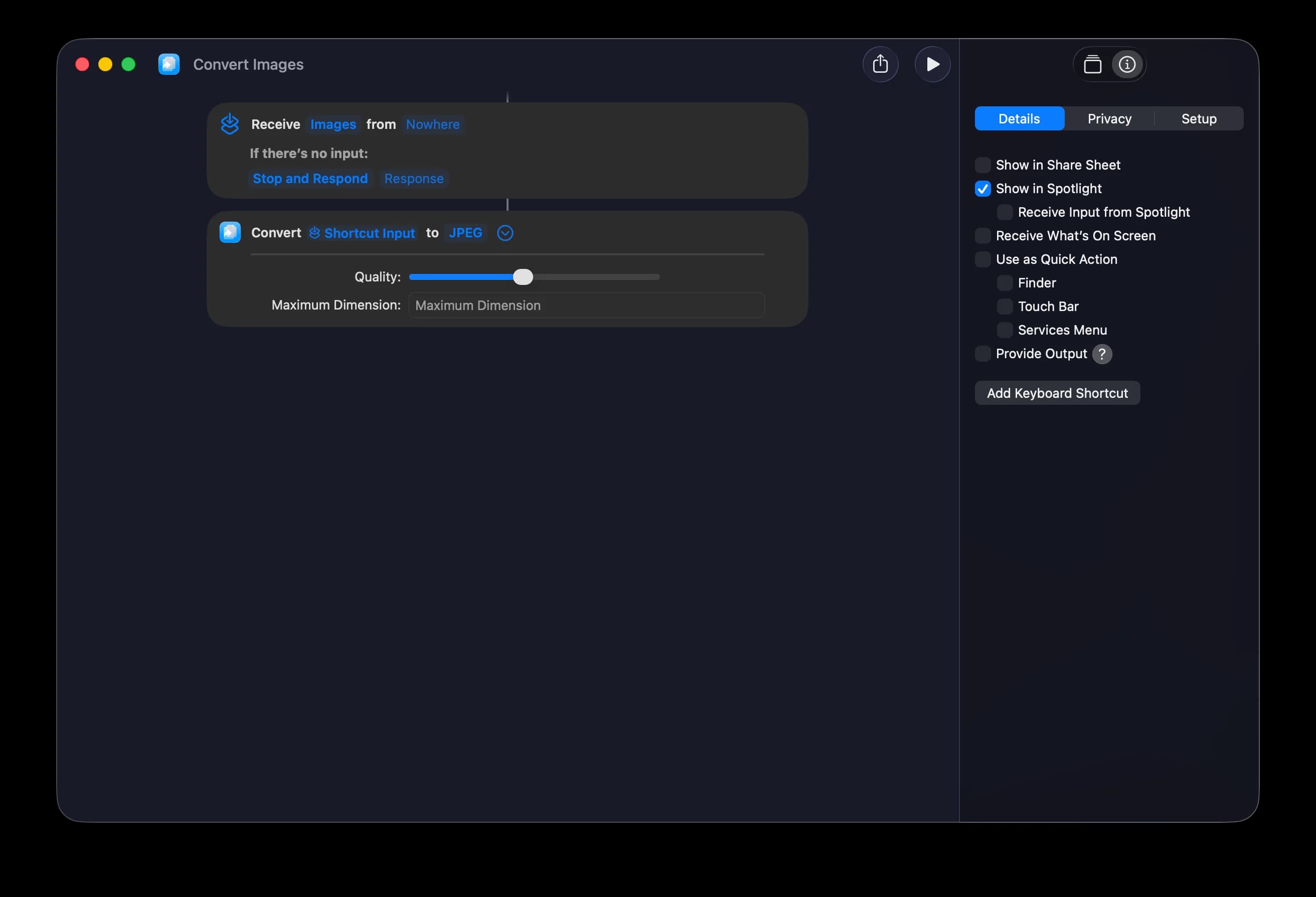
Automate conversions with Siri and Shortcuts
Run conversions in the background from Shortcuts or Siri, choosing the input images, output format, quality, and maximum dimension. Converto returns the converted files without needing to open the app.
Start a conversion from widgets and Control Center
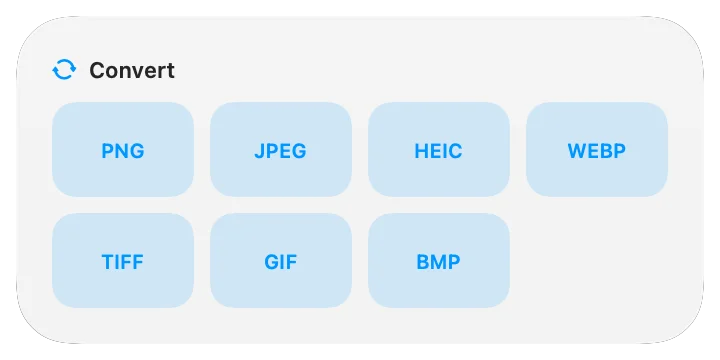
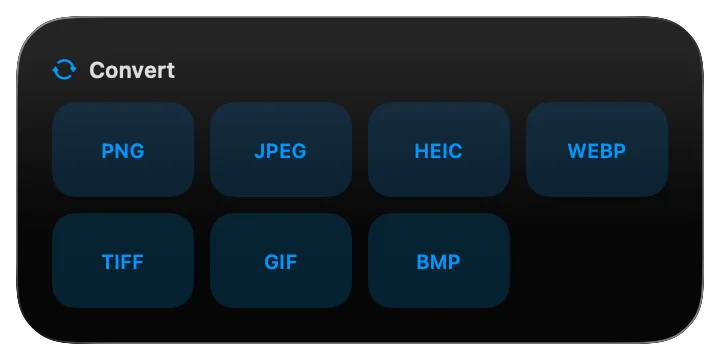
Use the Converto widget for one-tap conversion or jump straight to a chosen output format from its quick-launch tiles. A dedicated Control Center button opens Converto ready for a fast conversion.